LaserFish
Download
Installation
1
Run "PackageManager" command in Rhino
Type PackageManager in the Rhino command bar and press Enter.
2
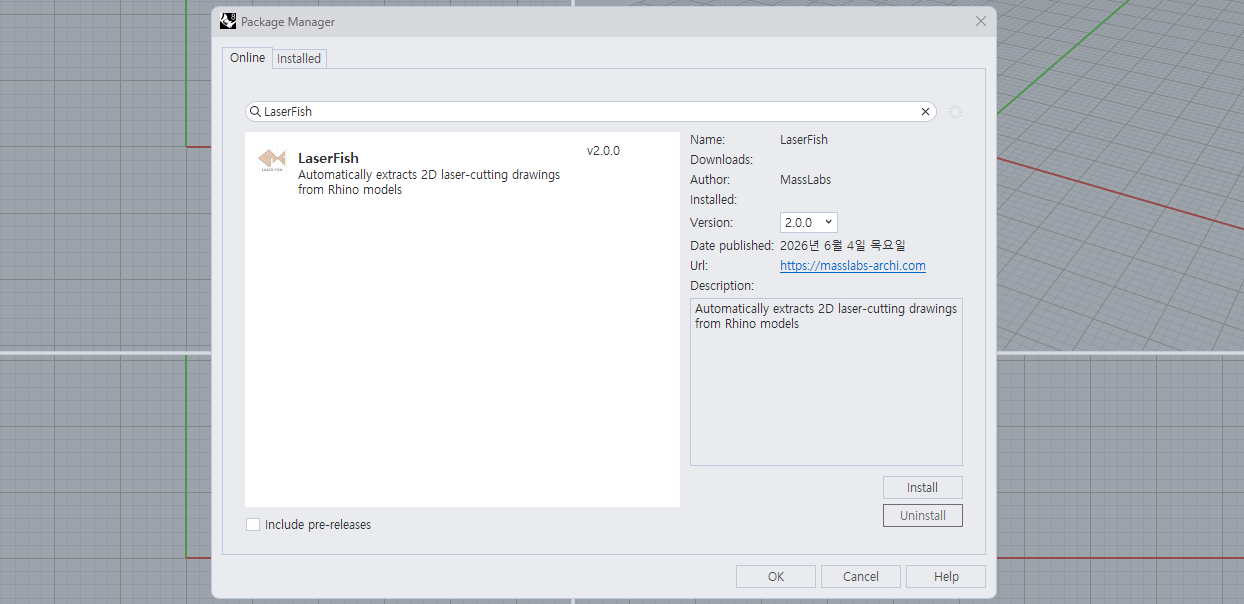
Search for LaserFish in the Online tab and Install
In the Package Manager, go to the Online tab, search for LaserFish, and click Install.
3
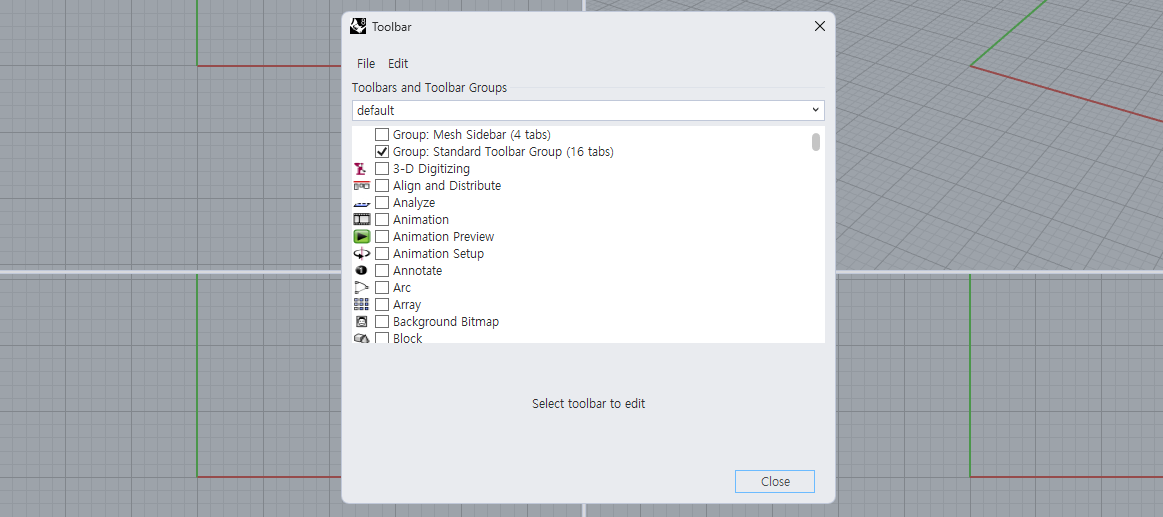
Run the "Toolbar" command
After installation, restart Rhino and run the Toolbar command.
4
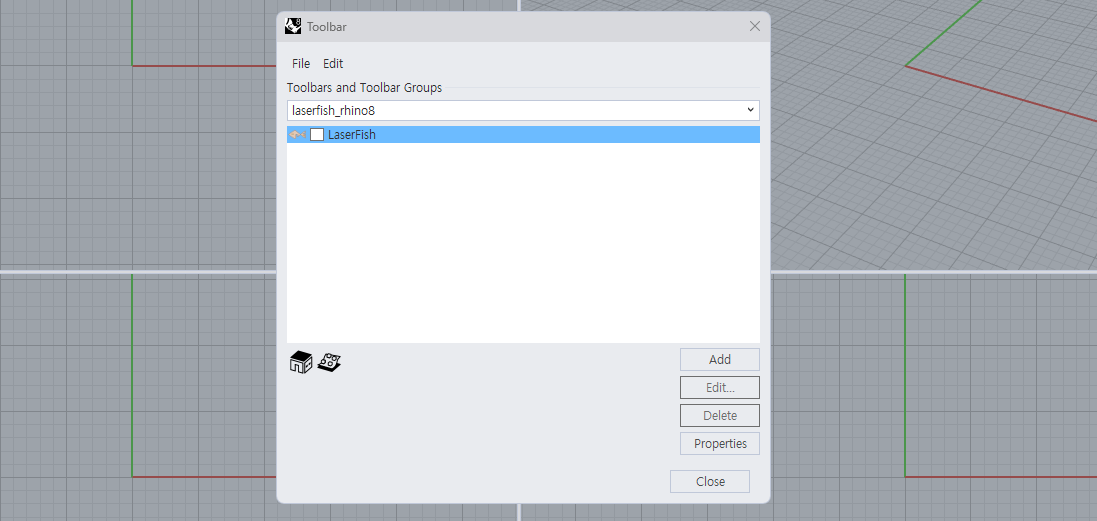
Set the default file to LaserFish
In the Toolbar dialog, change the default file to LaserFish.
5
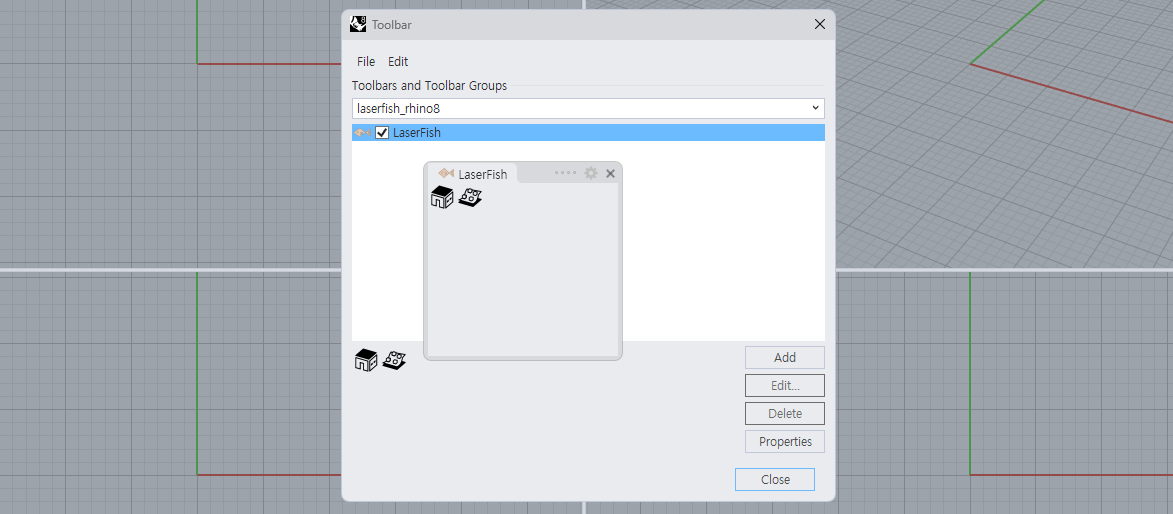
Check the checkbox
Check the checkbox next to LaserFish to complete the installation.
If you downloaded a version earlier than v2.0.3, go to Package Manager → Installed, uninstall LaserFish, and reinstall it.